md2key
Convert your markdown to keynote.
Usage
-
- Create a keynote document
-
- Create a first slide as a cover slide
-
- Create a second slide to choose a slide layout
-
- Then execute
gem install md2key && md2key markdown.md
- Then execute
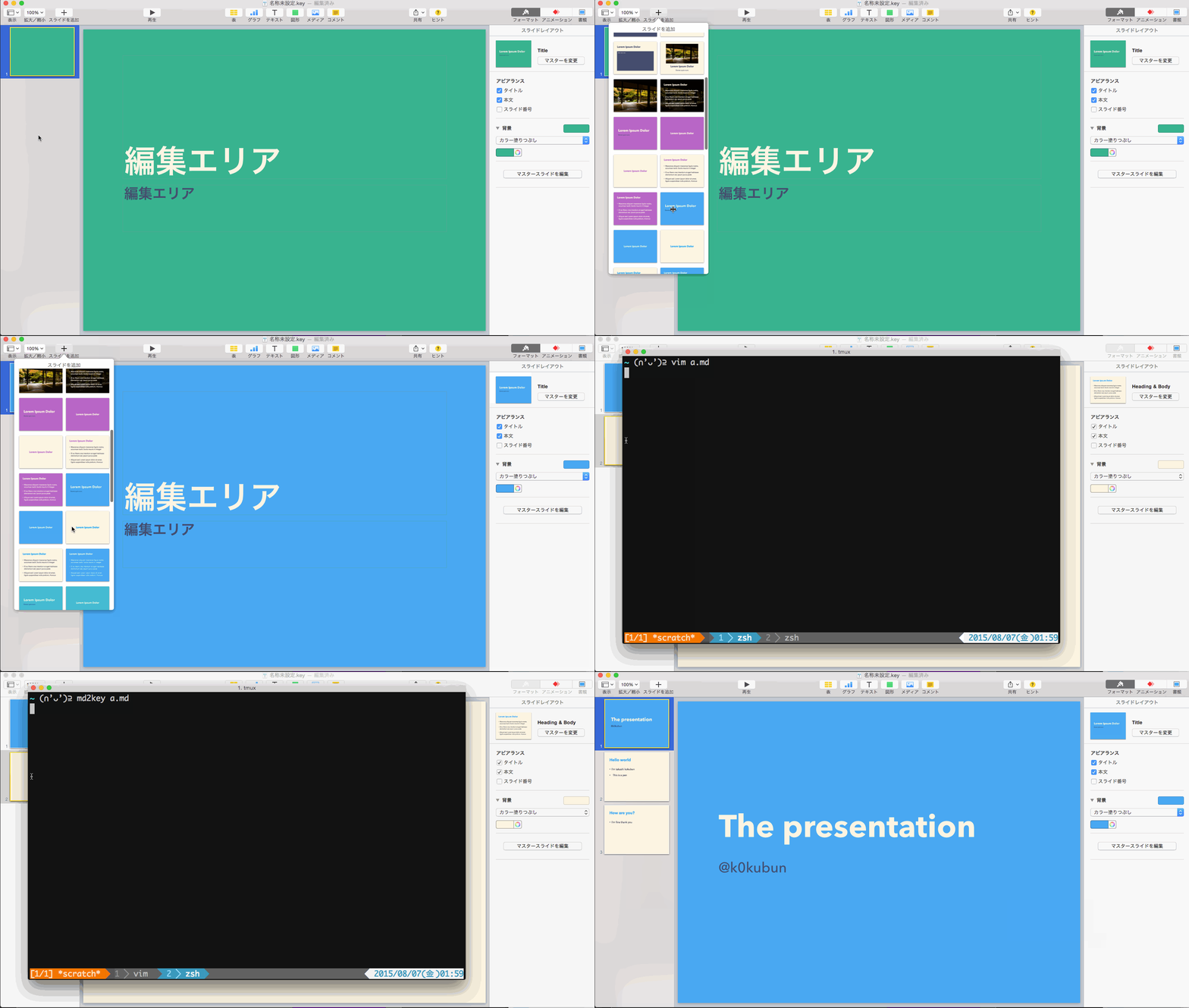
Basic example
The slides in the movie can be generated with following markdown.
You can separate slides with --- just for readability.
# The presentation
@k0kubun

## Hello world
- I'm takashi kokubun
- This is a pen

## How are you?
- I'm fine thank you
Insert image

# image slide
- This is an example
- You can insert an image

License
MIT License