Fusuma
Fusuma is multitouch gesture recognizer. This gem makes your linux PC able to recognize swipes or pinchs and assign shortcuts to them.
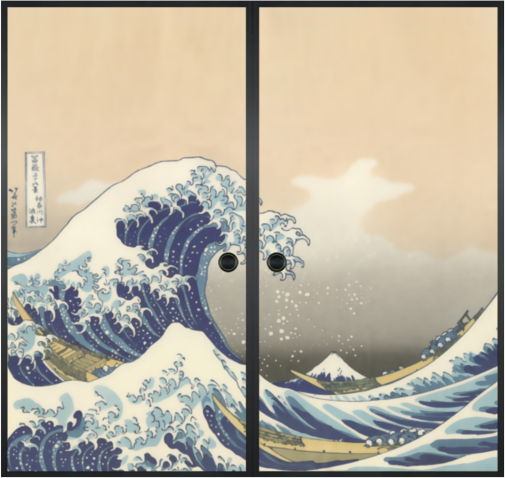
襖(Fusuma) means sliding door used to partition off rooms in a Japanese house.
Installation
IMPORTANT: You must be a member of the input group to have permission to read the touchpad device:
$ sudo gpasswd -a $USER input # Log out and back in to assign this group
You need libinput release 1.0 or later. Install libinput-tools:
$ sudo apt-get install libinput-tools
For sending shortcuts:
$ sudo apt-get install xdotool
Install Fusuma:
$ gem install fusuma
Usage
$ fusuma
Customize
You can customize the settings for gestues to put and edit ~/.config/fusuma/config.yml.
Sample (default keymap for Elementary OS)
swipe:
  3:
    left:
      shortcut: 'alt+Left'
    right:
      shortcut: 'alt+Right'
    up:
      shortcut: 'ctrl+t'
    down:
      shortcut: 'ctrl+w'
  4:
    left:
      shortcut: 'super+Left'
    right:
      shortcut: 'super+Right'
    up:
      shortcut: 'super+a'
    down:
      shortcut: 'super+s'
pinch:
  in:
    shortcut: 'ctrl+plus'
  out:
     shortcut: 'ctrl+minus'
if shortcut: is blank, the swipe/pinch doesn't trigger a keyevent.
Options
-
-v: Enable debug mode.
Contributing
Bug reports and pull requests are welcome on GitHub at https://github.com/iberianpig/fusuma. This project is intended to be a safe, welcoming space for collaboration, and contributors are expected to adhere to the Contributor Covenant code of conduct.
License
The gem is available as open source under the terms of the MIT License.