 CryptoPunks GUI 0.0.10
Simplified Minting

This is a Graphical User Interface for the famous cryptopunks Ruby gem.
It automatically downloads image collection sprites on first use (e.g. punks.png from https://github.com/larvalabs/cryptopunks).
Minted cryptopunks are stored at ~/cryptopunks/ by default (output location can be changed).

Download DMG installer for Mac (Catalina x64 and older)
If your machine is incompatible with the downloadable DMG package, you may follow Packaging instructions to produce your own machine compatible installer.
Prerequities
- Tcl/Tk (ActiveTcl)
- RVM (unless you are on Windows)
- Ruby 3.0.2 compiled with RVM for Tk (unless you are on Windows for which Tcl/Tk instructions include installation of Ruby [get v3.0.2])
Setup
You can use CryptoPunks GUI via gem or via cloning repository.
Gem
Run:
gem install cryptopunks-gui -v0.0.10
Afterwards, run app via:
cryptopunks-gui
Repository
Clone repository:
git clone https://github.com/AndyObtiva/cryptopunks-gui.git
Enter directory:
cd cryptopunks-gui
Run:
gem install bundler
bundle
Afterwards, run app via:
bin/cryptopunks-gui
Alternatively, run app manually via:
ruby app/cryptopunks_gui.rb
Instructions
Collection
Change collection to pick a different collection of images.
There are currently 38 available collections (from https://github.com/cryptopunksnotdead/awesome-24px):
- Punks

- Mohawks

- Blondies

- Zombies

- Apes

- Aliens

- Golden Punks

- Halloween Punks

- Scream Punks
- Jack 'O' Lantern Punks
- Joker Punks
- Frankenstein Punks
- Front Punks

- More Punks

- Expansion Punks

- Avalanche Punks

- International Punks

- Ape Punks

- Alien Clan

- Bored Apes

- Bored Apes Blue

- Bored Apes Red

- Bored Apes Neon Glow

- Bored Apes Stars and Stripes

- Bored Apes Acid

- Cool Cats

- Cool Cats Mohawks

- Cool Cats Ninjas

- Cool Cats TV Heads

- Cool Cats Pirates

- Cool Cats Unicorns

- Cool Cats Dragons

- Cool Cats Frogs

- Pudgy Penguins

- Dodge

- Rocks

- Punk Rocks

- Tulips

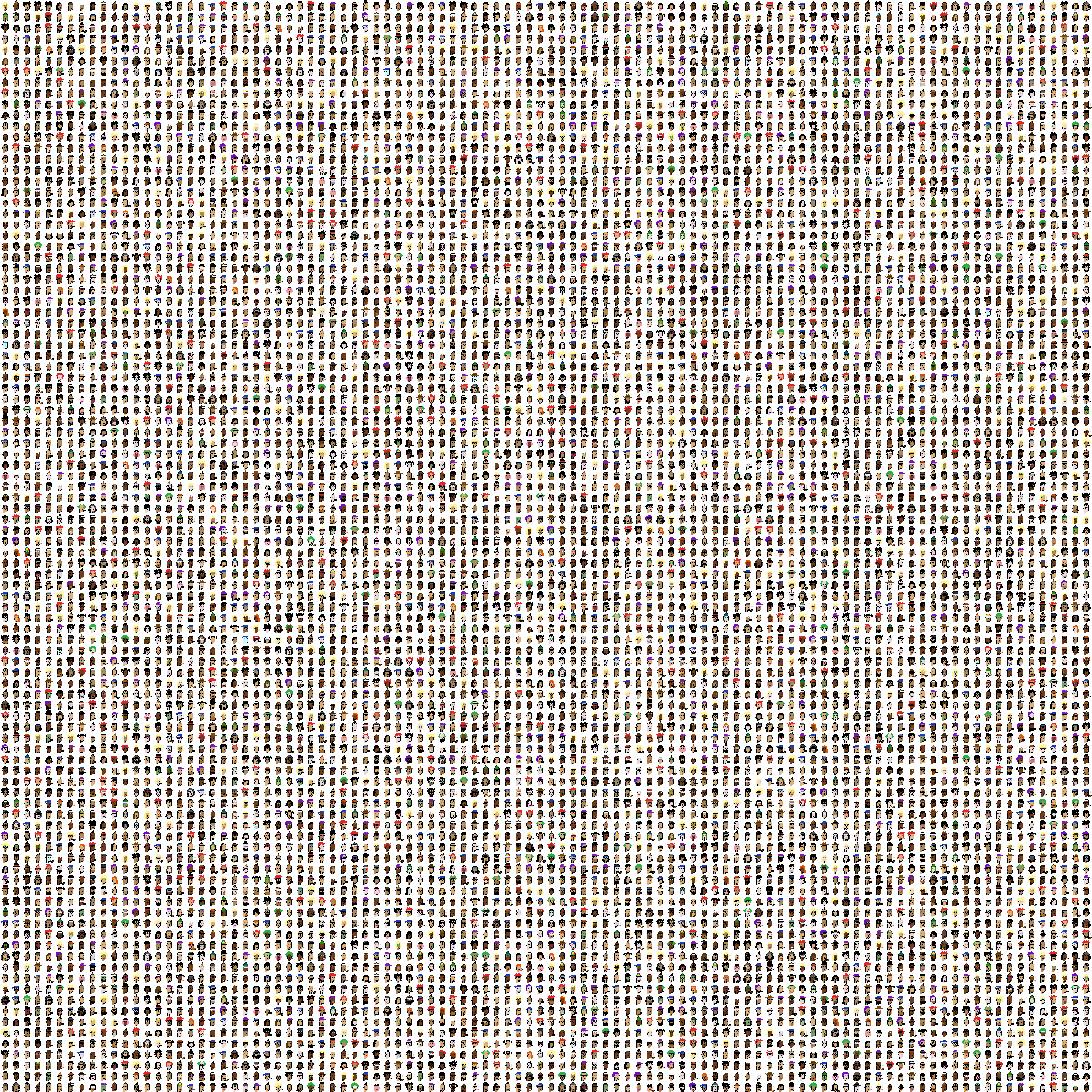
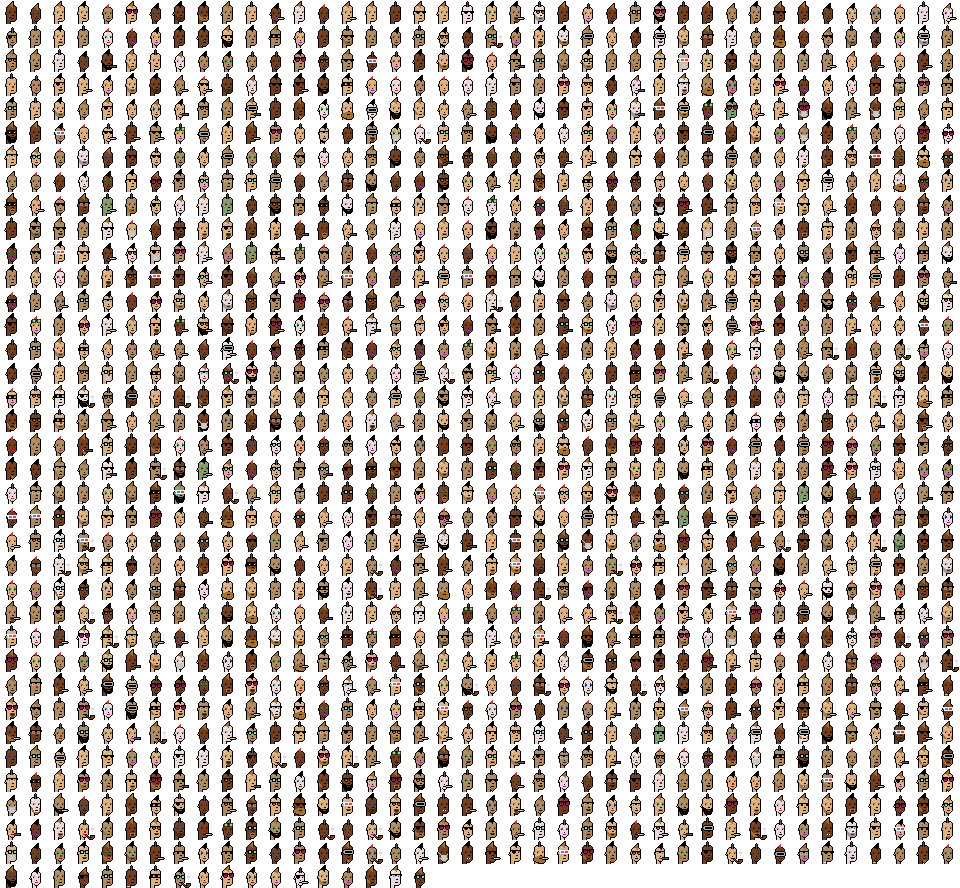
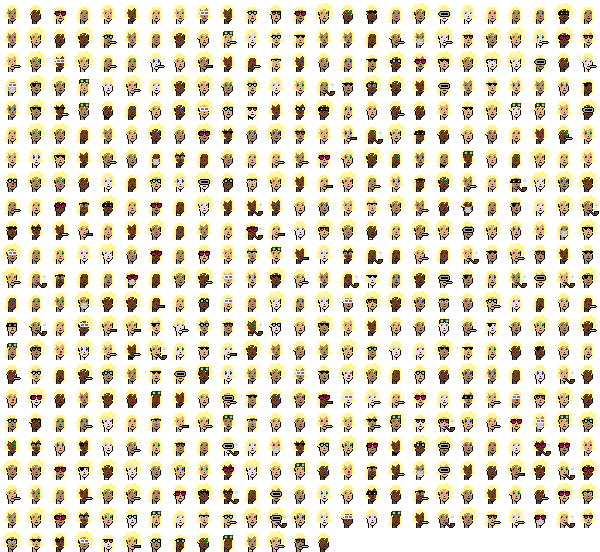
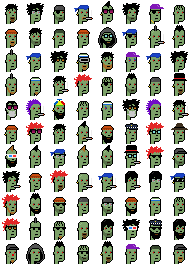
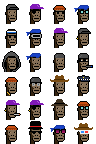

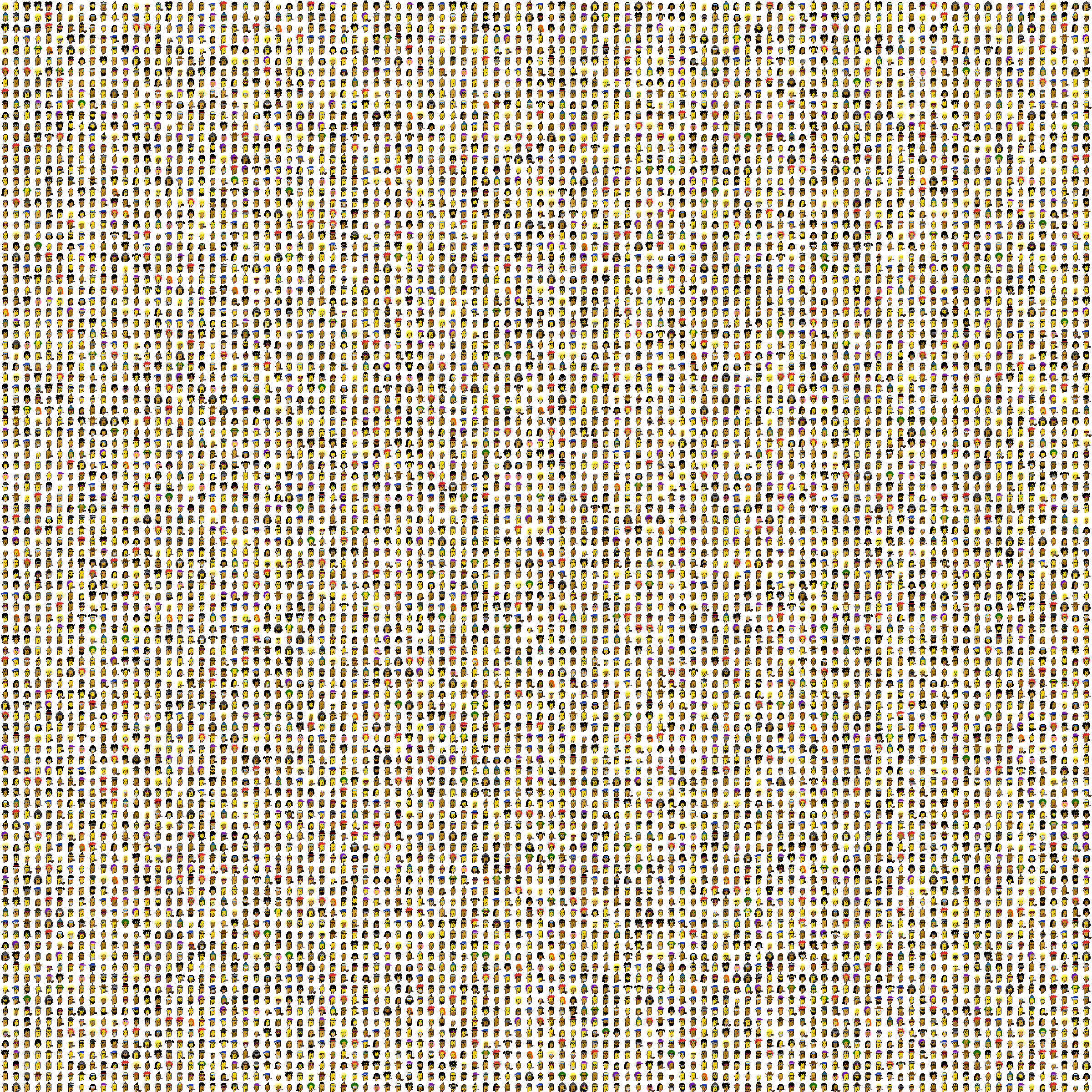
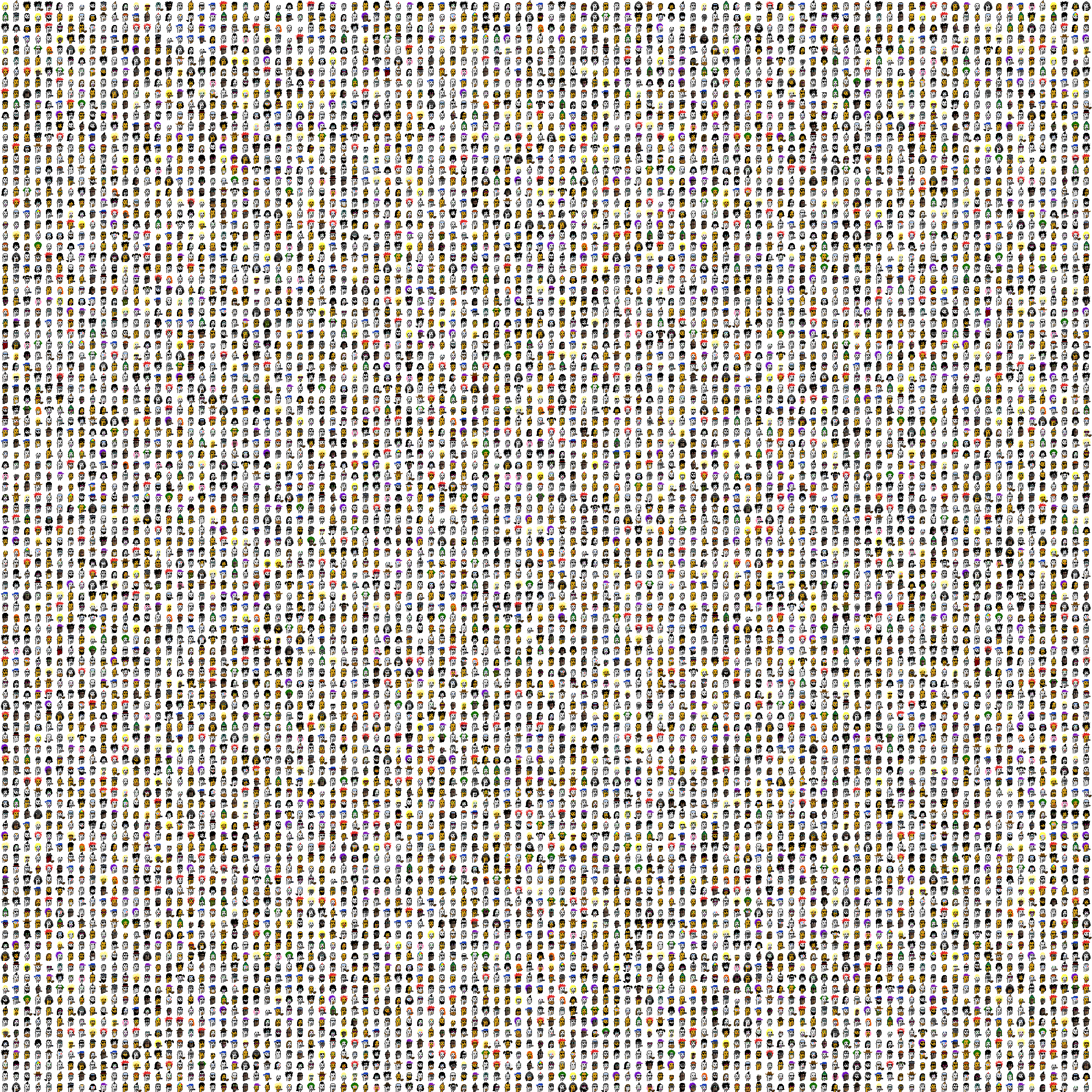


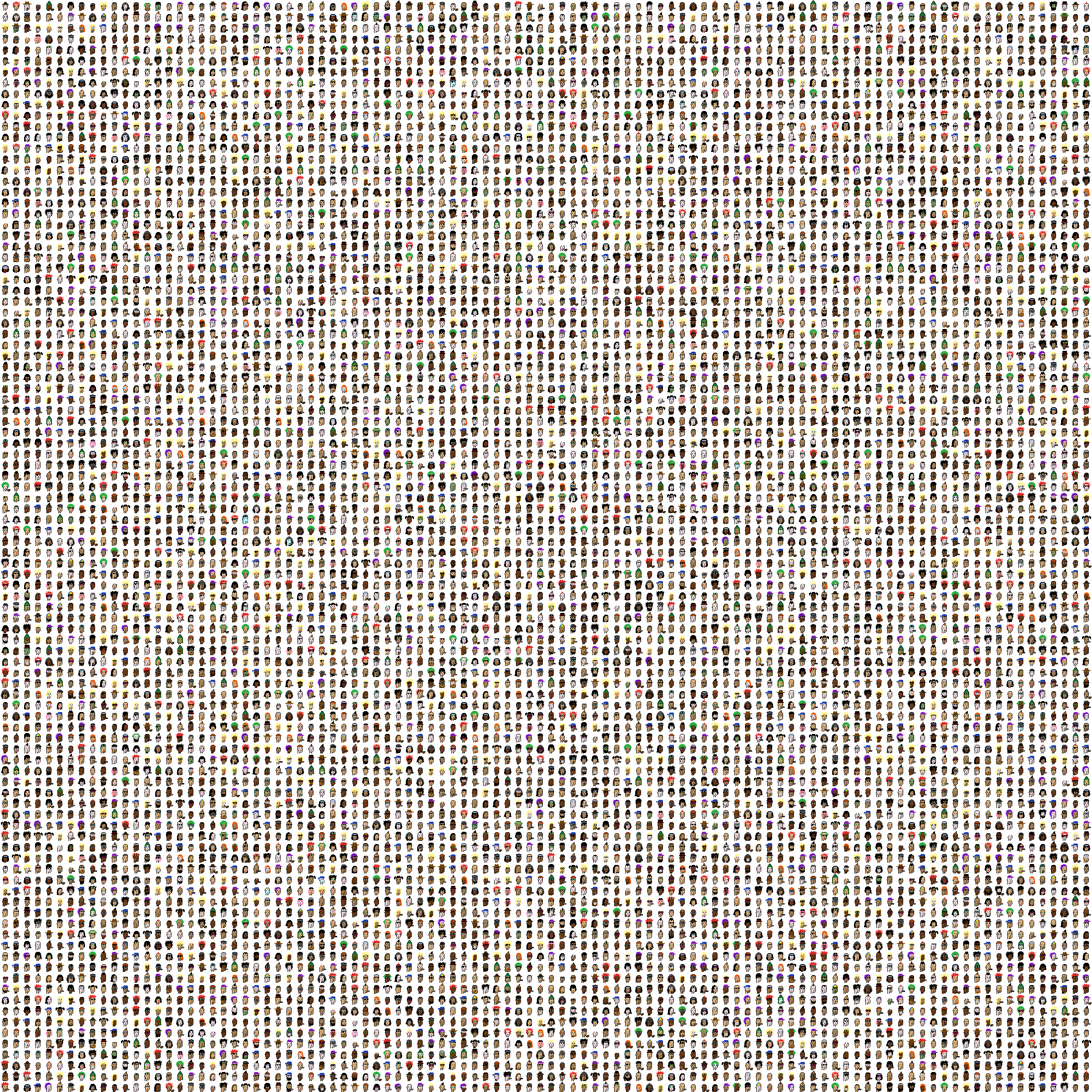
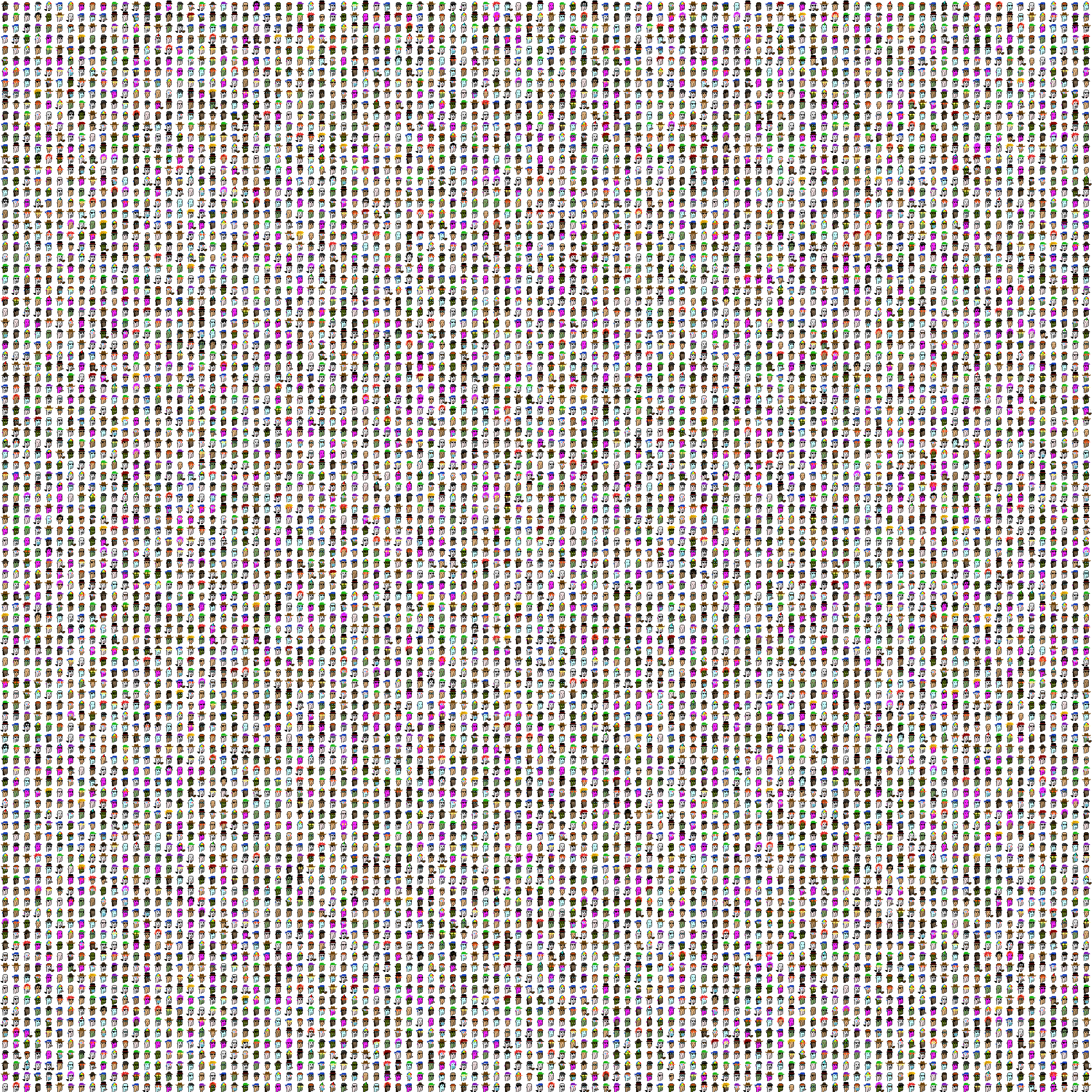
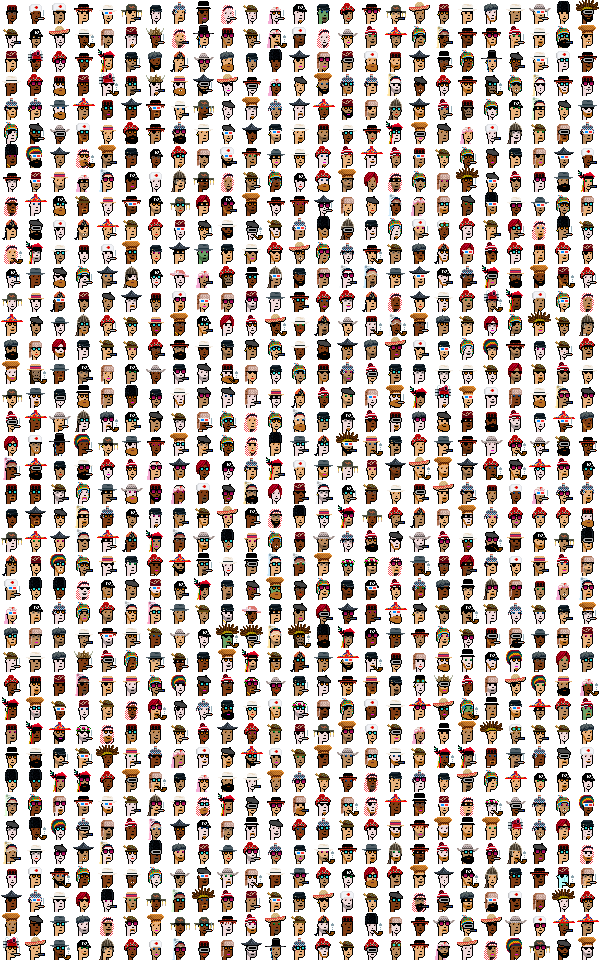
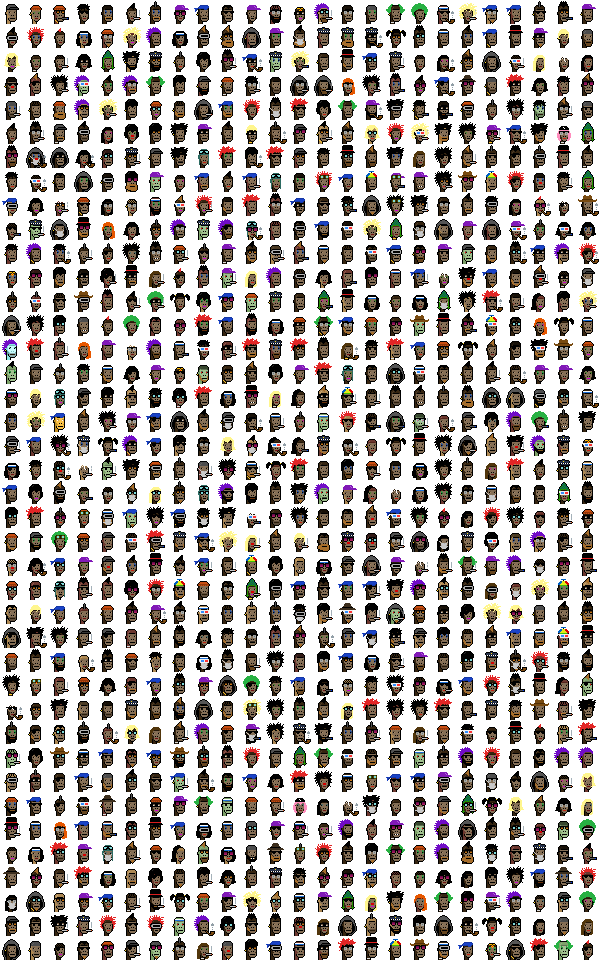

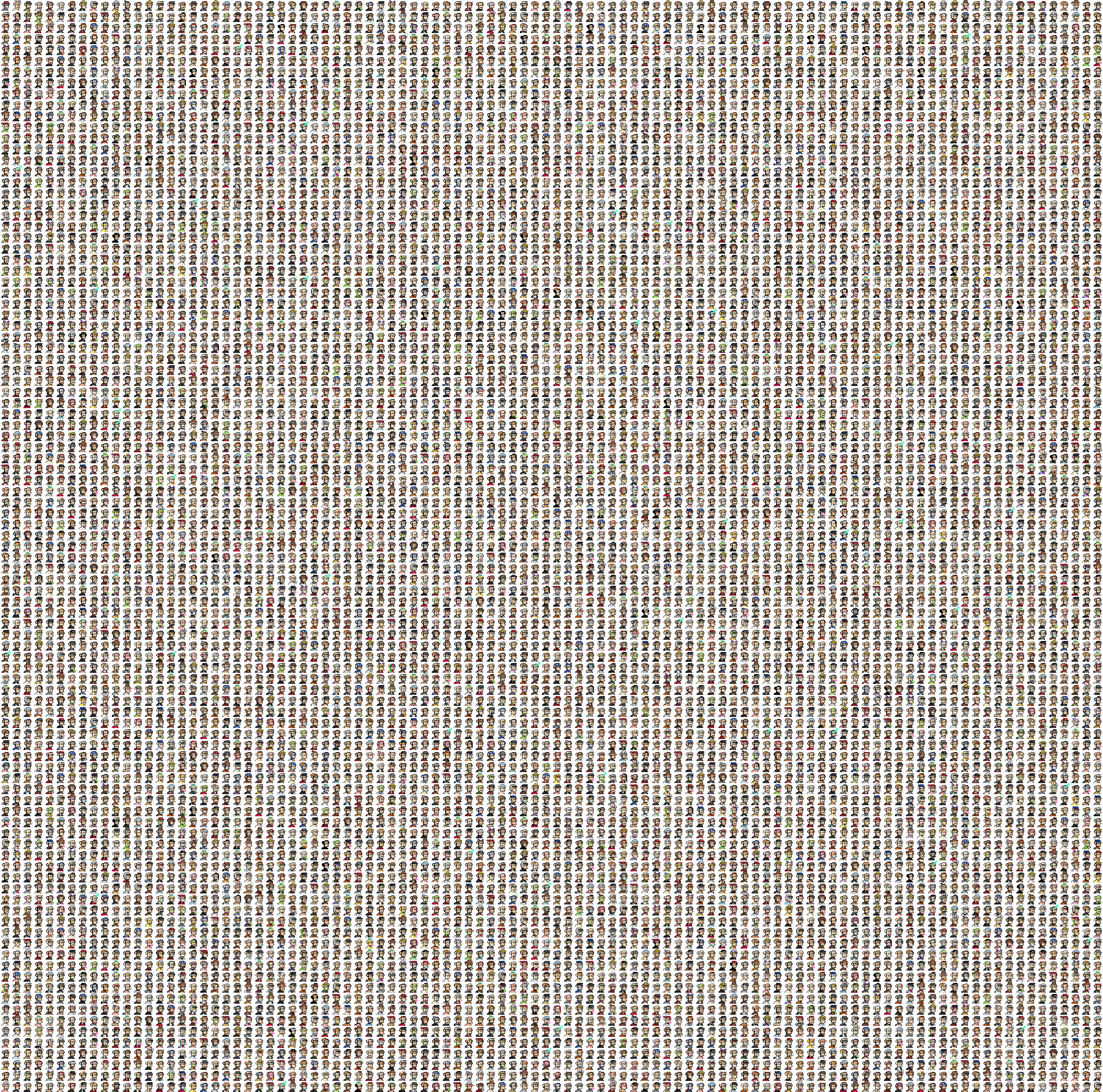
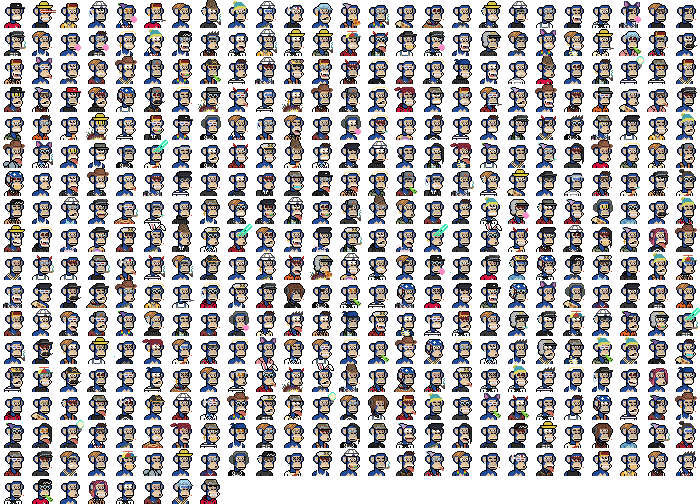
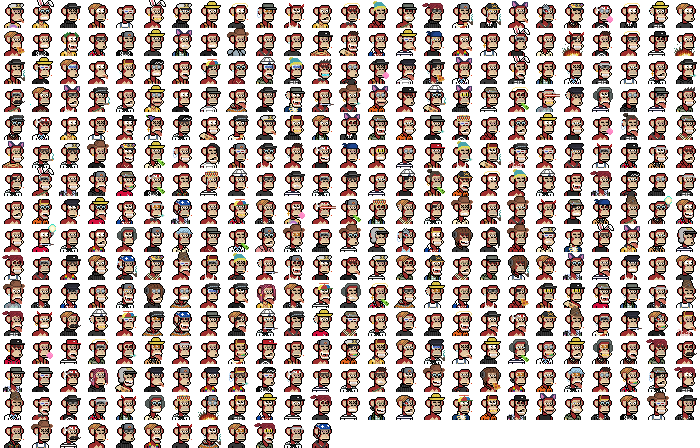
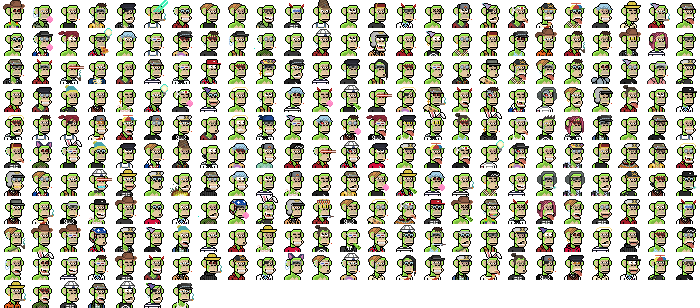
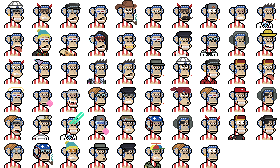
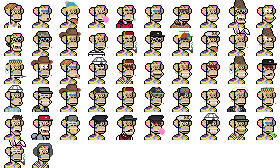
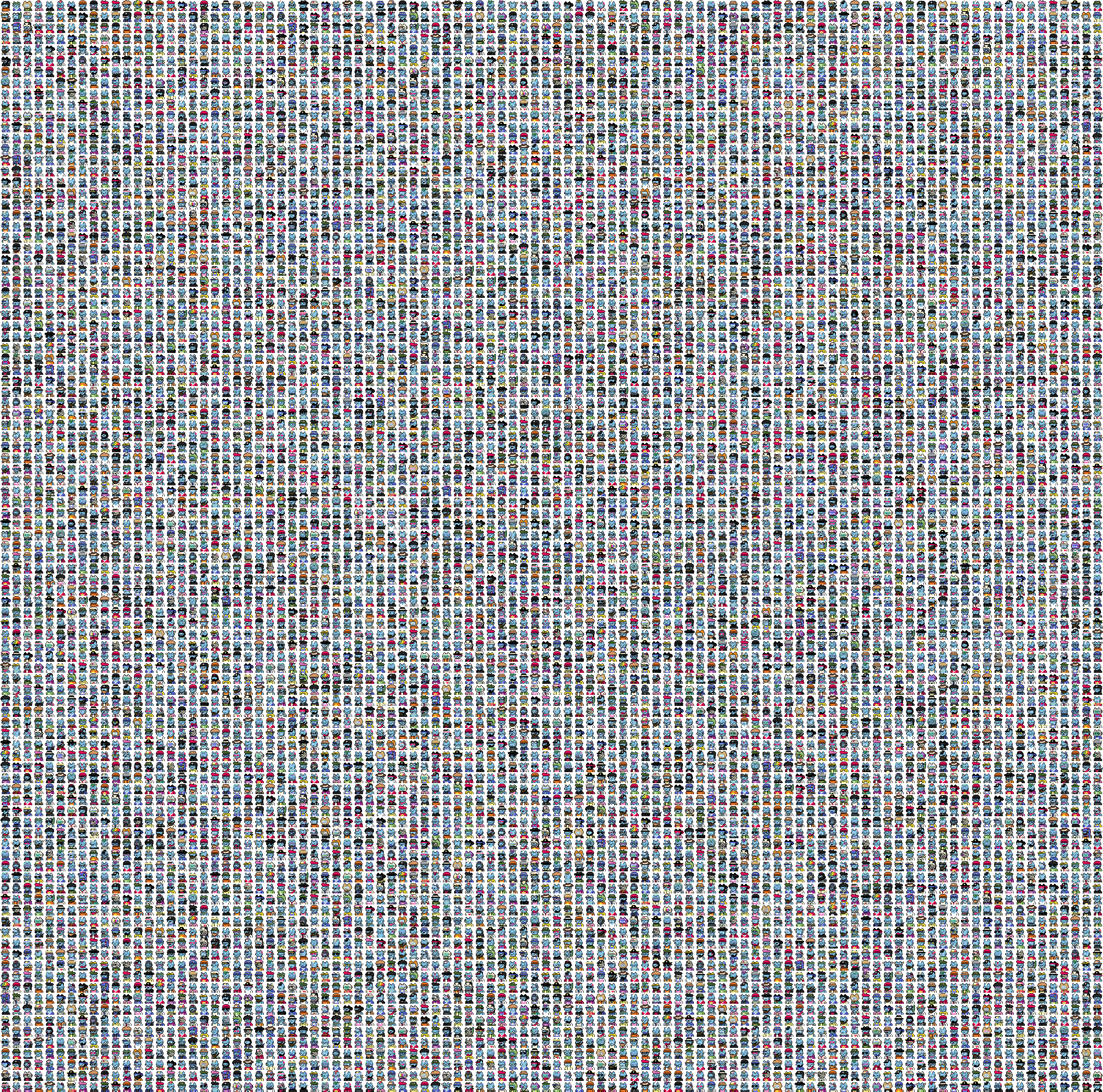
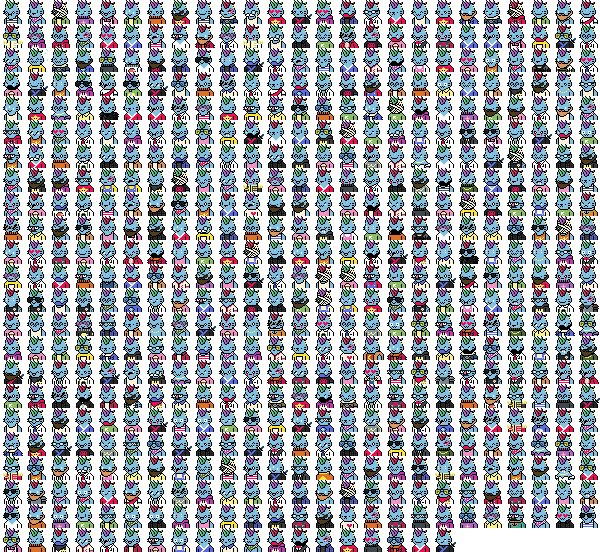
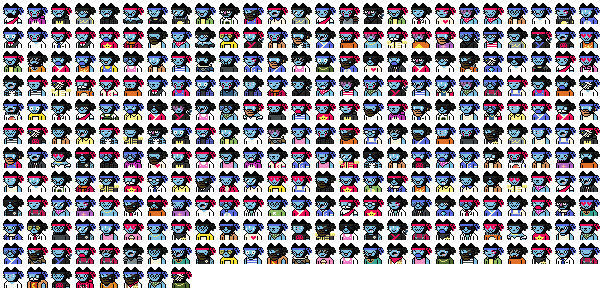
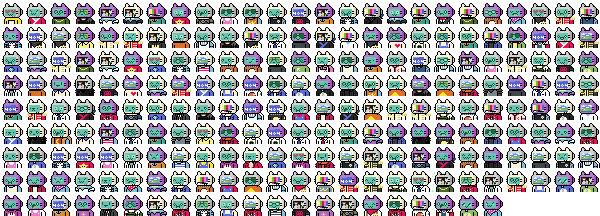
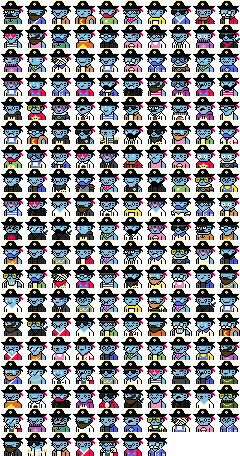
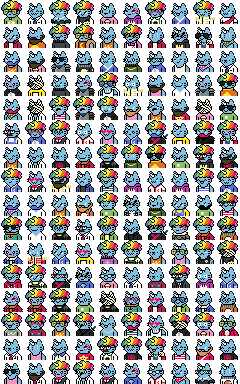
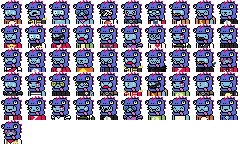
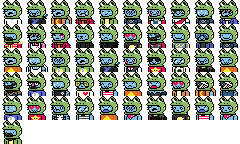
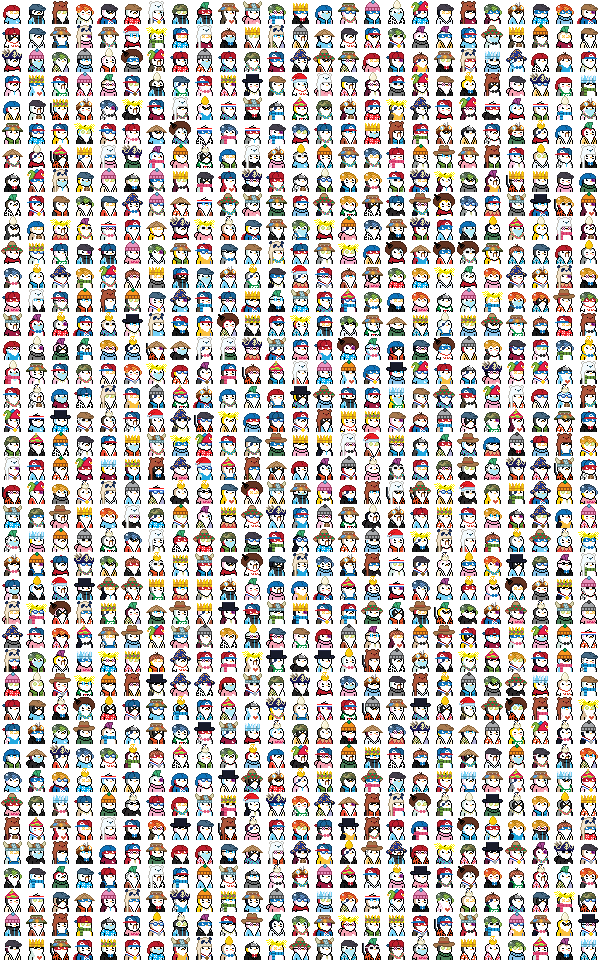

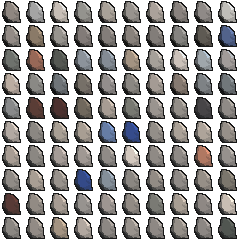

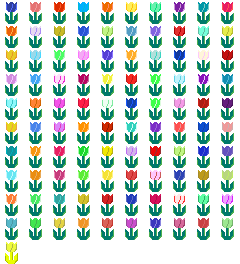


Image Index
Change image index to pick a different image.

Zoom
Change zoom to enlarge punk to your liking.

Palette
Change palette to get different punk colors.


Style
Change style to get different punk looks.
Normal Style

Led Style

Led Spacing

Led Round Corner

Sketch Style

Sketch Line

Mirror/Flip
Check mirror and/or flip to apply punk transformations. Can be combined with different palettes and styles.


Output Location
You may select a new output location by clicking on the ... button.

Packaging
Assuming you have setup all prerequisites and cloned the project locally, you can package the project files, Ruby, gem dependencies, and ActiveTcl (Tcl/Tk) into fully self-contained native executable bundles for the Mac.
Packaging Prerequisites
Packaging is currently supported on Mac only.
- Platypus: Install Platypus 5.3
- Platypus Command Line Tool: Run Platypus GUI -> Go to Preferences -> Install Command Line Tool.
Finally, ensure the platypus command is available in the terminal by simply running:
platypus --version
Output:
platypus version 5.3
Packaging Commands
To package this app as both a Mac native executable (APP file) and a Mac native installer (DMG file), run this command (produces packages under ~/Applications):
bin/package-mac
To package a Mac native executable only (quicker for local APP use without distribution), run:
bin/package-mac-app

TODO
Change Log
Contributing
- Check out the latest master to make sure the feature hasn't been implemented or the bug hasn't been fixed yet.
- Check out the issue tracker to make sure someone already hasn't requested it and/or contributed it.
- Fork the project.
- Start a feature/bugfix branch.
- Commit and push until you are happy with your contribution.
- Make sure to add tests for it. This is important so I don't break it in a future version unintentionally.
- Please try not to mess with the Rakefile, version, or history. If you want to have your own version, or is otherwise necessary, that is fine, but please isolate to its own commit so I can cherry-pick around it.
License
Copyright (c) 2021 - Cryptopunks GUI by Andy Maleh
--
 Built with Glimmer DSL for Tk (MRI Ruby Desktop Development GUI Library)