- About
- Installation
- Configuration
- Labels
- Running
- AppMap for VSCode
- AppMap Swagger
- Uploading AppMaps
- Development
About
appmap-ruby is a Ruby Gem for recording
AppMaps of your code.
"AppMap" is a data format which records code structure (modules, classes, and methods), code execution events
(function calls and returns), and code metadata (repo name, repo URL, commit
SHA, labels, etc). It's more granular than a performance profile, but it's less
granular than a full debug trace. It's designed to be optimal for understanding the design intent and structure of code and key data flows.
There are several ways to record AppMaps of your Ruby program using the appmap gem:
- Run your tests (RSpec, Minitest, Cucumber) with the environment variable
APPMAP=true. An AppMap will be generated for each spec. - Run your application server with AppMap remote recording enabled, and use the AppLand browser extension to start, stop, and upload recordings.
- Wrap some code in an
AppMap.recordblock, which returns JSON containing the code execution trace.
Once you have made a recording, there are two ways to view automatically generated diagrams of the AppMaps.
The first option is to load the diagrams directly in your IDE, using the AppMap extension for VSCode.
The second option is to upload them to the AppLand server using the AppLand CLI.
Supported versions
- Ruby 2.5, 2.6, 2.7
- Rails 5, 6
Support for new versions is added frequently, please check back regularly for updates.
Installation
Quick and easy setup of the AppMap gem for Rails - Watch Video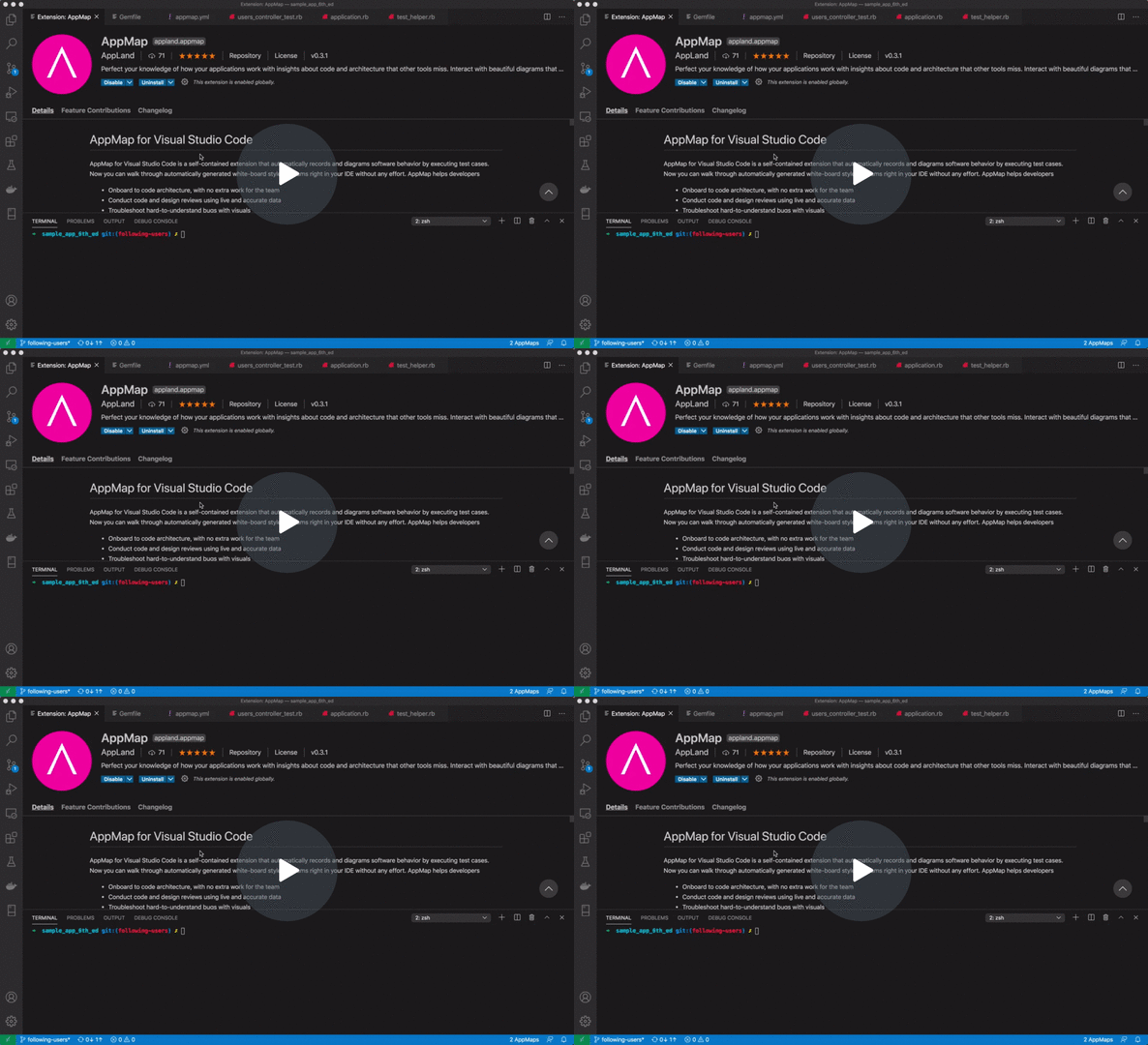
Add gem 'appmap' to beginning of your Gemfile. We recommend that you add the appmap gem to the :development, :test group. Your Gemfile should look something like this:
source 'https://rubygems.org'
git_source(:github) { |repo| "https://github.com/#{repo}.git" }

# Optional rubRuby version
# ruby '2.7.2'

group :development, :test do
  gem 'appmap'
end
Install with bundle install, as usual.
It's important to add the appmap gem before any other gems that you may want to instrument. There is more about this in the section on adding gems to the appmap.yml.
Railtie
If you are using Ruby on Rails, require the railtie after Rails is loaded.
# application.rb is a good place to do this, along with all the other railties.
# Don't require the railtie in environments that don't bundle the appmap gem.
require 'appmap/railtie' if defined?(AppMap).
Configuration
When you run your program, the appmap gem reads configuration settings from appmap.yml. Here's a sample configuration
file for a typical Rails project:
# 'name' should generally be the same as the code repo name.
name: my_project
packages:
- path: app/controllers
- path: app/models
  # Exclude sub-paths within the package path
  exclude:
  - concerns/accessor
- path: app/jobs
- path: app/helpers
# Include the gems that you want to see in the dependency maps.
# These are just examples.
- gem: activerecord
- gem: devise
- gem: aws-sdk
- gem: will_paginate
# Global exclusion of a class name
exclude:
- MyClass
- MyClass#my_instance_method
- MyClass.my_class_method
functions:
- packages: myapp
  class: ControllerHelper
  function: logged_in_user
  labels: [ authentication ]
- name Provides the project name (required)
- packages A list of source code directories which should be recorded.
- exclude A list of classes and/or methods to definitively exclude from recording.
- functions A list of specific functions, scoped by package and class, to record.
packages
Each entry in the packages list is a YAML object which has the following keys:
- path The path to the source code directory. The path may be relative to the current working directory, or it may be an absolute path.
- gem As an alternative to specifying the path, specify the name of a dependency gem. When using
gem, don't specifypath. In yourGemfile, theappmapgem must be listed before any gem that you specify in your appmap.yml. - exclude A list of files and directories which will be ignored. By default, all modules, classes and public
functions are inspected. See also: global
excludelist. - shallow When set to
true, only the first function call entry into a package will be recorded. Subsequent function calls within the same package are not recorded unless code execution leaves the package and re-enters it. Default:truewhen usinggem,falsewhen usingpath.
exclude
Optional list of fully qualified class and method names. Separate class and method names with period (.) for class methods and hash (#) for instance methods.
functions
Optional list of class, function pairs. The package name is used to place the function within the class map, and does not have to match
the folder or gem name. The primary use of functions is to apply specific labels to functions whose source code is not accessible (e.g., it's in a Gem).
For functions which are part of the application code, use @label or @labels in code comments to apply labels.
Labels
The AppMap data format provides for class and function labels, which can be used to enhance the AppMap visualizations, and to programatically analyze the data.
You can apply function labels using source code comments in your Ruby code. To apply a labels to a function, add a @label or @labels line to the comment which immediately precedes a function.
For example, if you add this comment to your source code:
class ApiKey
  # @labels provider.authentication security
  def authenticate(key)
    # logic to verify the key here...
  end
end
Then the AppMap metadata section for this function will include:
  {
    "name": "authenticate",
    "type": "function",
    "labels": [ "provider.authentication", "security" ]
  }
Running
RSpec
To record RSpec tests, follow these additional steps:
1) Require appmap/rspec in your spec_helper.rb before any other classes are loaded.
require 'appmap/rspec'
Note that spec_helper.rb in a Rails project typically loads the application's classes this way:
require File.("../../config/environment", __FILE__)
and appmap/rspec must be required before this:
require 'appmap/rspec'
require File.("../../config/environment", __FILE__)
2) Run the tests with the environment variable APPMAP=true:
$ APPMAP=true bundle exec rspec
Each RSpec test will output an AppMap file into the directory tmp/appmap/rspec. For example:
$ find tmp/appmap/rspec
Hello_says_hello_when_prompted.appmap.json
Minitest
To record Minitest tests, follow these additional steps:
1) Require appmap/minitest in test_helper.rb
require 'appmap/minitest'
Note that test_helper.rb in a Rails project typically loads the application's classes this way:
require_relative '../config/environment'
and appmap/minitest must be required before this:
require 'appmap/minitest'
require_relative '../config/environment'
2) Run your tests as you normally would with the environment variable APPMAP=true. For example:
$ APPMAP=true bundle exec rake test
or
$ APPMAP=true bundle exec ruby -Ilib -Itest test/*_test.rb
Each Minitest test will output an AppMap file into the directory tmp/appmap/minitest. For example:
$ find tmp/appmap/minitest
Hello_says_hello_when_prompted.appmap.json
Cucumber
To record Cucumber tests, follow these additional steps:
1) Require appmap/cucumber in support/env.rb:
require 'appmap/cucumber'
Be sure to require it before config/environment is required.
2) Create an Around hook in support/hooks.rb to record the scenario:
if AppMap::Cucumber.enabled?
  Around('not @appmap-disable') do |scenario, block|
    appmap = AppMap.record do
      block.call
    end

    AppMap::Cucumber.write_scenario(scenario, appmap)
  end
end
3) Run the tests with the environment variable APPMAP=true:
$ APPMAP=true bundle exec cucumber
Each Cucumber test will output an AppMap file into the directory tmp/appmap/cucumber. For example:
$ find tmp/appmap/cucumber
Hello_Says_hello_when_prompted.appmap.json
Remote recording
To manually record ad-hoc AppMaps of your Ruby app, use AppMap remote recording.
- Add the AppMap remote recording middleware. For example, in
config/initializers/appmap_remote_recording.rb:
if defined?(AppMap)
  require 'appmap/middleware/remote_recording'

  Rails.application.config.middleware.insert_after \
    Rails::Rack::Logger,
    AppMap::Middleware::RemoteRecording
end
(optional) Download and unpack the AppLand browser extension. Install into Chrome using
chrome://extensions/. Turn on "Developer Mode" and then load the extension using the "Load unpacked" button.Start your Rails application server, with
APPMAP_RECORD=true. For example:
$ APPMAP_RECORD=true bundle exec rails server
- Start the recording
Option 1: Open the AppLand browser extension and push Start.
Option 2: curl -XPOST localhost:3000/_appmap/record (be sure and get the port number right)
Use your app. For example, perform a login flow, or run through a manual UI test.
Finish the recording.
Option 1: Open the AppLand browser extension and push Stop. The recording will be transferred to the AppLand website and opened in your browser.
Option 2: curl -XDELETE localhost:3000/_appmap/record > recording.appmap.json - Saves the recording as a local file.
AppMap for VSCode
The AppMap extension for VSCode helps you navigate your code more efficiently with interactive, accurate software architecture diagrams right in your IDE. In less than two minutes you can go from installing the AppMap extension to exploring maps of your code's architecture. AppMap helps you:
- Onboard to code architecture, with no extra work for the team
- Conduct code and design reviews using live and accurate data
- Troubleshoot hard-to-understand bugs using a "top-down" approach.
Each interactive diagram links directly to the source code, and the information is easy to share.
AppMap Swagger
appmap_swagger is a tool to generate Swagger files from AppMap data. With appmap_swagger, you can add Swagger to your Ruby or Ruby on Rails project, with no need to write or modify code. Use the Swagger UI to interact with your web services API as you build it, and use diffs of Swagger to perform code review of web service changes.
Uploading AppMaps
https://app.land can be used to store, analyze, and share AppMaps.
For instructions on uploading, see the documentation of the AppLand CLI.
Development

Internal architecture
Configuration
appmap.yml is loaded into an AppMap::Config.
Hooking
Once configuration is loaded, AppMap::Hook is enabled. "Hooking" refers to the process of replacing a method
with a "hooked" version of the method. The hooked method checks to see if tracing is enabled. If so, it wraps the original
method with calls that record the parameters and return value.
Builtins
Hook begins by iterating over builtin classes and modules defined in the Config. Builtins include code
like openssl and net/http. This code is not dependent on any external libraries being present, and
appmap cannot guarantee that it will be loaded before builtins. Therefore, it's necessary to require it and
hook it by looking up the classes and modules as constants in the Object namespace.
User code and gems
After hooking builtins, Hook attaches a TracePoint to :begin events.
This TracePoint is notified each time a new class or module is being evaluated. When this happens, Hook uses the Config
to determine whether any code within the evaluated file is configured for hooking. If so, a TracePoint is attached to
:end events. Each :end event is fired when a class or module definition is completed. When this happens, the Hook enumerates
the public methods of the class or module, hooking the ones that are targeted by the Config. Once the :end TracePoint leaves
the scope of the :begin, the :end TracePoint is disabled.
Running tests
Before running tests, configure local.appmap to point to your local appmap-ruby directory.
$ bundle config local.appmap $(pwd)
Run the tests via rake:
$ bundle exec rake test
The test target will build the native extension first, then run the tests. If you need
to build the extension separately, run
$ bundle exec rake compile
Using fixture apps
test/fixtures
The fixture apps in test/fixtures are plain Ruby projects that exercise the basic functionality of the
appmap gem. To develop in a fixture, simply enter the fixture directory and bundle.
spec/fixtures
The fixture apps in spec/fixtures are simple Rack, Rails5, and Rails6 apps.
You can use them to interactively develop and test the recording features of the appmap gem.
These fixture apps are more sophisticated than test/fixtures, because they include additional
resources such as a PostgreSQL database.
To build the fixture container images, first run:
$ bundle exec rake build:fixtures:all
This will build the appmap.gem, along with a Docker image for each fixture app.
Then move to the directory of the fixture you want to use, and provision the environment. In this example, we use Ruby 2.6.
$ export RUBY_VERSION=2.6
$ docker-compose up -d pg
$ sleep 10s # Or some reasonable amount of time
$ docker-compose run --rm app ./create_app
Now you can start a development container.
$ docker-compose run --rm -v $PWD:/app -v $PWD/../../..:/src/appmap-ruby app bash
Starting rails_users_app_pg_1 ... done
root@6fab5f89125f:/app# cd /src/appmap-ruby
root@6fab5f89125f:/src/appmap-ruby# rm ext/appmap/*.so ext/appmap/*.o
root@6fab5f89125f:/src/appmap-ruby# bundle
root@6fab5f89125f:/src/appmap-ruby# bundle exec rake compile
root@6fab5f89125f:/src/appmap-ruby# cd /src/app
root@6fab5f89125f:/src/app# bundle config local.appmap /src/appmap-ruby
root@6fab5f89125f:/src/app# bundle
At this point, the bundle is built with the appmap gem located in /src/appmap, which is volume-mounted from the host.
So you can edit the fixture code and the appmap code and run test commands such as rspec and cucumber in the container.
For example:
root@6fab5f89125f:/src/app# bundle exec rspec
Configuring AppMap from path appmap.yml
....

Finished in 0.07357 seconds (files took 2.1 seconds to load)
4 examples, 0 failures