SpreeAddOnMenu
Purpose
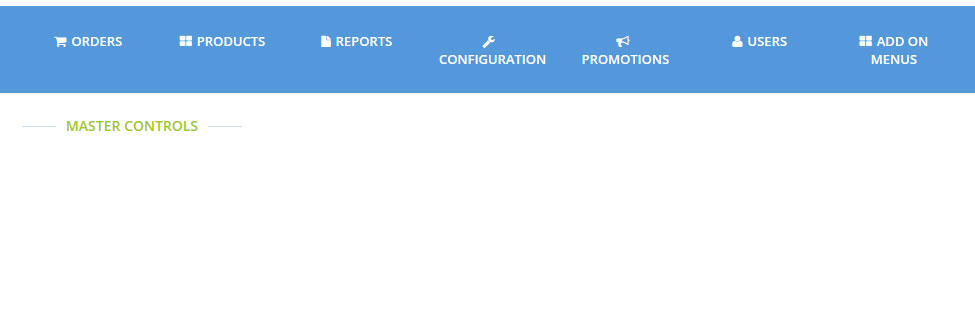
- Just Adds "ADD ON MENUS" to admin_tabs.
- "ADD ON MENUS" simply shows an blank Index page titled "MASTER CONTROLS".
- Expected to be used for other extensions, things like putting a link on the additional data to this index page.
Installation
Add spree_add_on_menu to your Gemfile:
gem 'spree_add_on_menu'
Bundle your dependencies and run the installation generator:
bundle
bundle exec rails g spree_add_on_menu:install
To Add Links to MASTER CONTROLS:
for example
app/overrides/.rb
Deface::Override.new(:virtual_path => 'spree/admin/add_on_menu/index',
:name => 'add_add_on_supplier_configration_menu_to_add_on_menu',
:insert_bottom => "[data-hook='admin_add_on_menu_sidebar_menu']",
:text => "
<%= configurations_sidebar_menu_item t('add_on.add_on_supplier'), admin_add_on_suppliers_path %>
")
Please check out the details here spree_add_on_maker spree_add_on_supplier
Testing
Be sure to bundle your dependencies and then create a dummy test app for the specs to run against.
bundle
bundle exec rake test_app
bundle exec rspec spec
When testing your applications integration with this extension you may use it's factories. Simply add this require statement to your spec_helper:
require 'spree_add_on_menu/factories'
Copyright (c) 2014 Exsight.inc , released under the New BSD License